The Bill of Materials plugin allows you to configure a bill of materials (BOM) which can be applied for a pole model.
To enable the Bill of Materials plugin, complete the following steps:
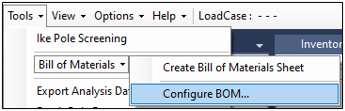
To use the plugin, go to Tools>Bill of Materials>Configure BOM…
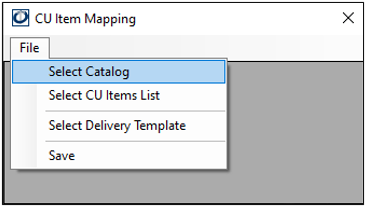
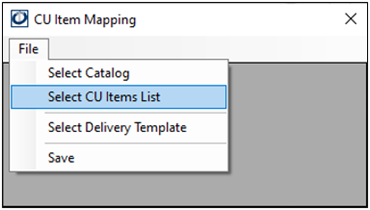
2. Click File>Select CU Items List and navigate to the XLSX file that contains the list, click Open. CU means compatibility units.
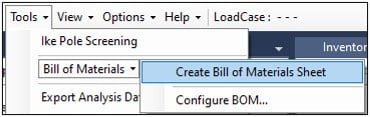
3. From the Tools menu, select Bill of Materials>Create Bill of Materials Sheet.
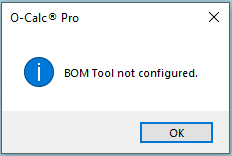
The informational pop-up displays when you click Create Bill of Materials Sheet before you have configured the BOM Tool.